
Retail employees handle customer interactions, operate point-of-sale systems, manage inventory, and represent your brand every day. Yet many retailers still rely on printed manuals, in-person shadowing, or generic e-learning tools that weren’t built for the realities of the sales floor. A learning management system designed specifically for retail training addresses the unique challenges of educating a distributed, high-turnover workforce that rarely sits at a desk.
What Is an LMS for Retail Training?
An LMS for retail training is a software platform that delivers, tracks, and manages employee education for store staff, warehouse workers, and other frontline personnel. Unlike general-purpose learning management systems built for corporate office environments, retail LMS software prioritizes mobile-first design, bite-sized content delivery, and offline access capabilities.
The core difference lies in deployment context. Traditional LMS platforms assume learners have dedicated time at a computer, stable internet, and a quiet environment. Retail learning management systems recognize that a cashier might complete a five-minute product knowledge module during a break, using a smartphone in a stockroom with spotty Wi-Fi.
Most retail-specific platforms include features like QR code access for instant training launches, push notifications for new course assignments, and automatic syncing when devices reconnect to the internet. Some systems allow employees to download entire course libraries to their phones before a shift, complete lessons offline, and upload completion data later.
The architecture also differs. Retail LMS platforms typically support thousands of simultaneous users across hundreds of locations, with role-based content delivery that automatically assigns training based on job function, location, or tenure. A seasonal hire in Miami receives different onboarding modules than a department manager in Portland, without manual intervention from headquarters.

Why Retail Businesses Need Specialized Training Software
The retail industry faces workforce challenges that generic training tools can’t adequately address. Annual turnover rates in retail hover between 60% and 75%, meaning companies constantly onboard new employees who need rapid skill development. A retail employee training platform compresses what used to take weeks of shadowing into structured, measurable learning paths that new hires complete in days.
Geographic distribution compounds the problem. A chain with 200 locations can’t send trainers to every store for every product launch or policy update. Inconsistent training creates inconsistent customer experiences—one store excels at explaining a new loyalty program while another barely mentions it. Centralized retail workforce training ensures every employee receives identical information, delivered simultaneously across all markets.
Compliance requirements add another layer of complexity. Food safety certifications, workplace harassment prevention, cash handling protocols, and data privacy regulations carry legal consequences when ignored. Store employee LMS platforms track completion rates, quiz scores, and certification expiration dates, generating alerts before credentials lapse.
Speed matters in retail. When a competitor launches a price match guarantee, your team needs to understand your response immediately. When a product recall occurs, every associate must know which items to pull from shelves within hours. Traditional training methods—scheduling meetings, printing materials, conducting in-person sessions—take days or weeks. Digital platforms push updates instantly and confirm receipt through completion tracking.
The financial case is straightforward. Poor training leads to longer transaction times, incorrect inventory management, higher return rates, and customer service failures. Research from the National Retail Federation shows that well-trained employees generate 17% higher customer satisfaction scores and 23% better sales conversion rates than undertrained peers. The cost of a retail training management system typically represents less than 2% of total labor costs while reducing turnover expenses that can reach $3,500 per hourly employee.
Key Features to Look for in Retail Employee Training Platforms
Not all learning systems suit retail environments equally well. Certain capabilities separate platforms built for frontline workers from those designed for desk-based learners.
Microlearning modules beat hour-long courses for retention and completion. Retail employees absorb information better in 3-7 minute segments focused on single topics: processing returns, identifying counterfeit bills, upselling warranties. Short modules fit into breaks, slow periods, or pre-shift huddles without disrupting operations.
Gamification drives engagement when designed thoughtfully. Leaderboards comparing stores, badges for completing product certifications, or point systems redeemable for schedule preferences transform mandatory training into competition. One grocery chain increased training completion from 64% to 91% by awarding points that employees could exchange for first choice on holiday shift schedules.
Multilingual support isn’t optional for most retailers. Your LMS for retail staff should offer content in the languages your workforce speaks, with professional translations rather than machine-generated approximations. Automatic language detection based on user profiles prevents confusion and ensures comprehension.
Integration capabilities determine whether your LMS exists as an island or connects to your operational ecosystem. The best platforms sync with:
- Point-of-sale systems to trigger product training when new SKUs enter inventory
- HR information systems to automatically enroll new hires and remove terminated employees
- Scheduling software to suggest training during predicted slow periods
- Payroll systems to track training time for wage compliance
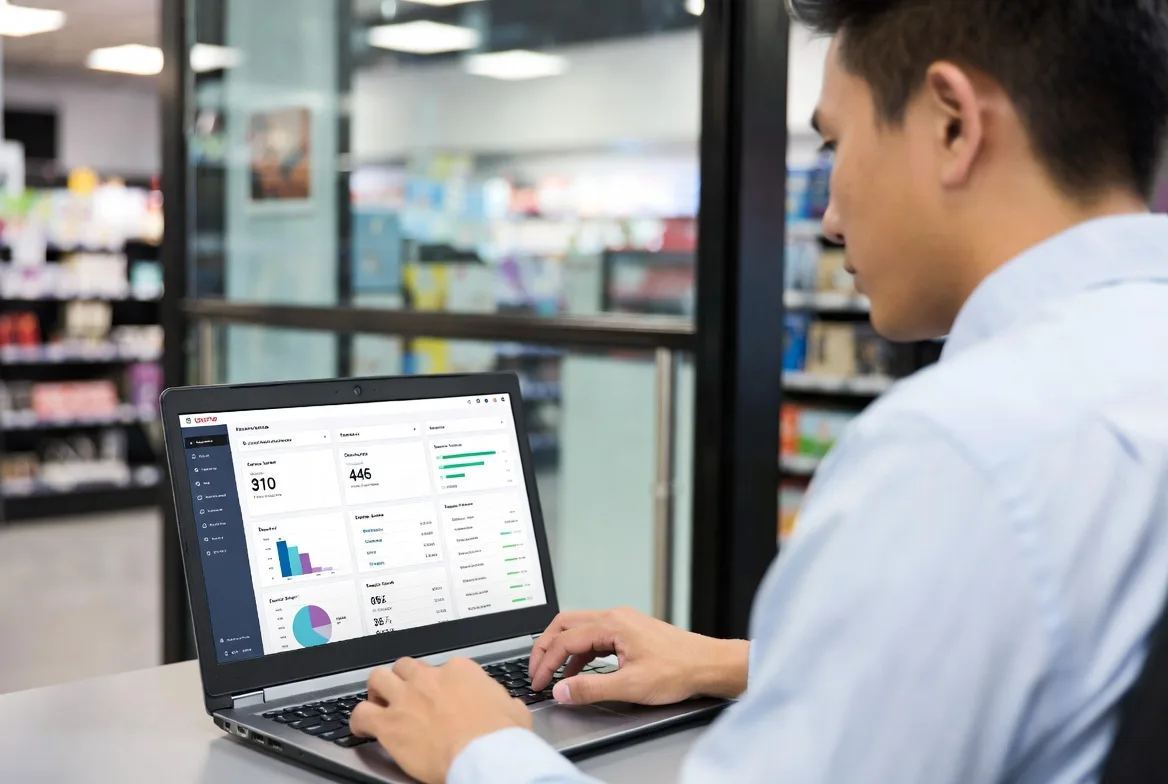
Analytics and reporting separate basic platforms from sophisticated ones. Beyond simple completion tracking, look for systems that correlate training data with performance metrics. Can you compare sales of extended warranties between employees who completed the warranty training and those who didn’t? Can you identify which stores have the lowest safety incident rates and see if they also have higher safety training completion?
Mobile and Offline Training Capabilities
Mobile functionality isn’t a bonus feature—it’s the primary delivery method for most retail training. Evaluate whether the platform offers native iOS and Android apps or relies on mobile-responsive websites. Native apps typically provide better offline functionality and faster performance.
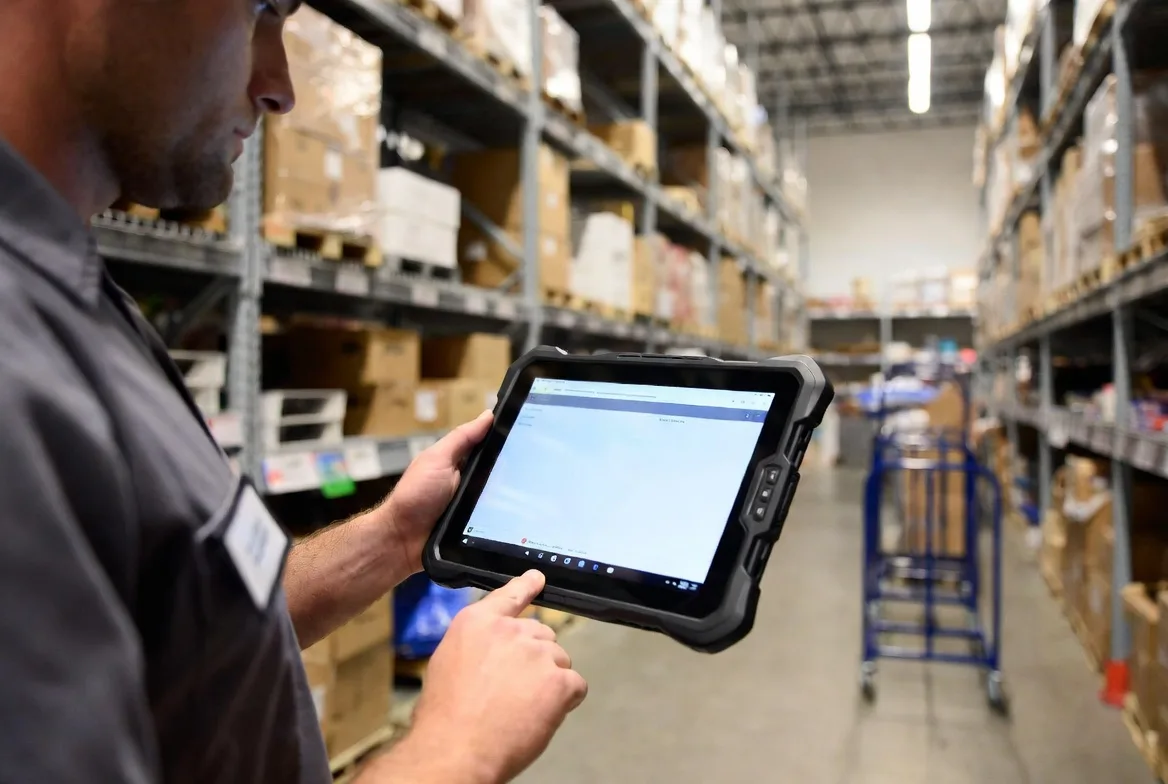
Offline capability requirements vary by environment. A store with reliable Wi-Fi might only need offline access for video content to reduce bandwidth consumption. A warehouse with dead zones needs full offline functionality: content download, quiz completion, progress tracking, and automatic synchronization when connectivity returns.
Test the mobile experience yourself. Can employees easily navigate courses on a 5-inch screen? Do videos load quickly? Are touch targets large enough to avoid accidental clicks? Does the interface work with gloves on, which matters for warehouse or cold storage environments?
Performance Tracking and Analytics
Frontline worker training LMS platforms should answer specific questions: Which locations have the lowest training completion rates? Which courses correlate with reduced safety incidents? How long does new hire onboarding actually take across different roles?
Real-time dashboards help district managers identify struggling locations before regional reviews. Automated alerts notify supervisors when employees miss deadlines or fail assessments. Trend analysis reveals whether training effectiveness improves or declines over time.
The most valuable analytics connect training data to business outcomes. If you can demonstrate that stores with 95%+ completion on customer service training have 12% higher Net Promoter Scores, you’ve quantified training ROI in terms executives understand.
How to Choose an LMS for Retail Staff
Selecting the right platform requires matching capabilities to your specific operational reality, not just checking feature lists.
Assess your actual needs, not assumed ones. Survey store managers and employees about current training pain points. Do associates complain about outdated information? Do managers struggle to verify who completed required certifications? Do new hires feel overwhelmed or underprepared? Your LMS should solve problems people actually experience, not theoretical issues.
Evaluate scalability in both directions. If you operate 50 stores today but plan to reach 200 in three years, confirm the platform handles that growth without requiring migration. Conversely, if you’re testing with a pilot program in five locations, ensure pricing doesn’t penalize small deployments with prohibitive minimum user requirements.
Prioritize user experience over feature quantity. A platform with 50 features that confuses employees will underperform one with 20 intuitive features. Request trial access for actual store employees—not just corporate trainers—and observe whether they navigate successfully without extensive instruction.
Verify integration compatibility early. Obtain technical specifications for your POS, HRIS, and scheduling systems before evaluating LMS options. Some vendors claim integration capability but require expensive custom development. Others offer pre-built connectors that work immediately.
Review vendor support structures carefully. When a system failure prevents 500 employees from completing required food safety training before their shift, can you reach technical support immediately? Some vendors offer 24/7 phone support; others provide email-only assistance with 48-hour response times. Match support availability to your operational hours.
Calculate total cost of ownership, not just subscription fees. Implementation services, content development, user training, integration work, and ongoing support often exceed the base platform cost. Request itemized quotes that include all components of a functioning system.

Common Mistakes When Implementing Retail Training Management Systems
Even well-chosen platforms fail when implementation ignores operational realities.
Choosing desktop-only or desktop-primary platforms dooms adoption before it starts. If employees must find a computer in a back office to access training, completion rates will remain dismal. Some retailers make this mistake by selecting enterprise LMS platforms used by their corporate offices, assuming they’ll work equally well for store staff.
Ignoring the frontline worker experience during content development creates technically accurate but practically useless training. A 45-minute video lecture on company history might satisfy corporate communications teams, but store associates will skip it or complete it without retention. Involve actual store employees in content review before full deployment.
Over-complicating content structure confuses learners and reduces completion. One retailer organized training into seven categories, each with four subcategories, requiring six clicks to reach actual lessons. Simplify navigation to two levels maximum: role-based learning paths and individual modules.
Poor change management kills momentum. Announcing a new LMS via email and expecting adoption is insufficient. Successful implementations include in-store demonstrations, manager training sessions, incentive programs for early adopters, and visible executive sponsorship. One chain had their CEO record a 90-second video explaining why the new system mattered, which played before every employee’s first login.
Neglecting ongoing content maintenance turns your LMS into a repository of outdated information. Assign clear ownership for content updates. When product specifications change, pricing updates occur, or policies shift, who ensures training materials reflect those changes within 48 ?
The retailers winning in 2026 aren’t necessarily spending more on training—they’re spending smarter. Mobile-first learning platforms have cut onboarding time in half while doubling knowledge retention compared to traditional methods. The ROI isn’t theoretical; it shows up in measurable improvements to sales conversion, customer satisfaction, and employee retention within 90 days of implementation.
Marcus Chen
| Pricing Model | Typical Cost Range | Best For | Pros | Cons |
|---|---|---|---|---|
| Per-User | $2-15/user/month | Growing retailers with stable workforce | Costs scale with business; predictable budgeting | Expensive at high volume; admin overhead tracking users |
| Tiered | $500-8,000/month | Mid-size retailers (50-500 employees) | Feature flexibility; room to grow | Hitting user caps requires disruptive upgrades |
| Enterprise Flat-Rate | $25,000-200,000/year | Large chains (500+ employees) or high-turnover environments | Unlimited users; simplified budgeting | High upfront commitment; overpaying if underutilized |
Implementation costs add $5,000 to $50,000 depending on complexity. Basic setups with pre-built templates and standard configurations fall on the lower end. Custom integrations with legacy systems, data migration from previous platforms, and extensive configuration push costs higher.
Content development represents another significant expense. Off-the-shelf courses covering generic topics (customer service basics, workplace safety) cost $500-2,000 per course. Custom content specific to your products, policies, and procedures runs $3,000-10,000 per hour of finished training, depending on production quality and interactivity.
Integration work varies by system compatibility. Pre-built connectors to major POS and HRIS platforms might cost $1,000-5,000 for configuration. Custom API development for proprietary systems can reach $20,000-50,000.
Support tier selection affects both cost and operational risk. Basic email support adds minimal cost but leaves you vulnerable during urgent issues. Premium support with dedicated account managers, 24/7 phone access, and guaranteed response times adds 20-40% to base subscription costs but prevents catastrophic downtime.
FAQs
Basic implementations with off-the-shelf content and minimal customization take 4-8 weeks from contract signing to employee access. This timeline includes system configuration, manager training, and pilot testing. Complex deployments with custom integrations, proprietary content development, and phased rollouts across multiple regions extend to 3-6 months. The critical path usually involves content creation, not technical setup—most platforms configure in days, but developing effective training materials takes weeks.
Most enterprise-grade platforms offer integration capabilities, but implementation complexity varies. Popular systems like Square, Shopify POS, Toast, and Workday typically have pre-built connectors that sync employee data, automate enrollment, and trigger training based on system events. Proprietary or legacy systems require custom API development, which increases cost and timeline. Before committing to an LMS, request technical documentation and verify integration feasibility with your IT team.
Look for automated certification tracking with expiration alerts, digital signature capture for policy acknowledgments, detailed audit trails showing who completed what training and when, and the ability to assign mandatory training based on role or location. The system should generate compliance reports filtered by location, department, or regulation type. Version control matters too—when you update a harassment prevention course, the platform should track which employees completed the old version versus the new one.
Cloud-based retail employee training platforms centralize content creation while enabling distributed delivery. Corporate teams develop courses once, then assign them to specific locations, regions, or roles. Employees access training through mobile apps or web browsers regardless of location. The system tracks completion across all sites, allowing district managers to compare performance between stores. For location-specific content (local emergency procedures, market-specific promotions), the platform should support content variations while maintaining centralized reporting.
Retail training has moved far beyond laminated procedure guides and hope-for-the-best shadowing. A well-implemented LMS for retail training transforms how frontline workers learn, retain information, and apply knowledge during customer interactions. The difference between generic learning platforms and retail-specific solutions lies in understanding that store employees learn differently than office workers—they need mobile access, bite-sized content, and systems that respect the reality of the sales floor.
The retailers seeing the strongest results from training technology share common approaches: they prioritize mobile-first design, involve actual store employees in content development, integrate training systems with operational tools, and measure outcomes beyond completion rates. They recognize that training platforms are infrastructure investments similar to POS systems or inventory management software—essential tools that enable the workforce to perform effectively.
Your selection process should start with honest assessment of current training failures, continue through careful platform evaluation focused on user experience rather than feature lists, and conclude with implementation planning that includes change management and ongoing content maintenance. The goal isn’t simply to digitize existing training materials, but to fundamentally improve how quickly and effectively your workforce develops the skills that drive customer satisfaction and business results.